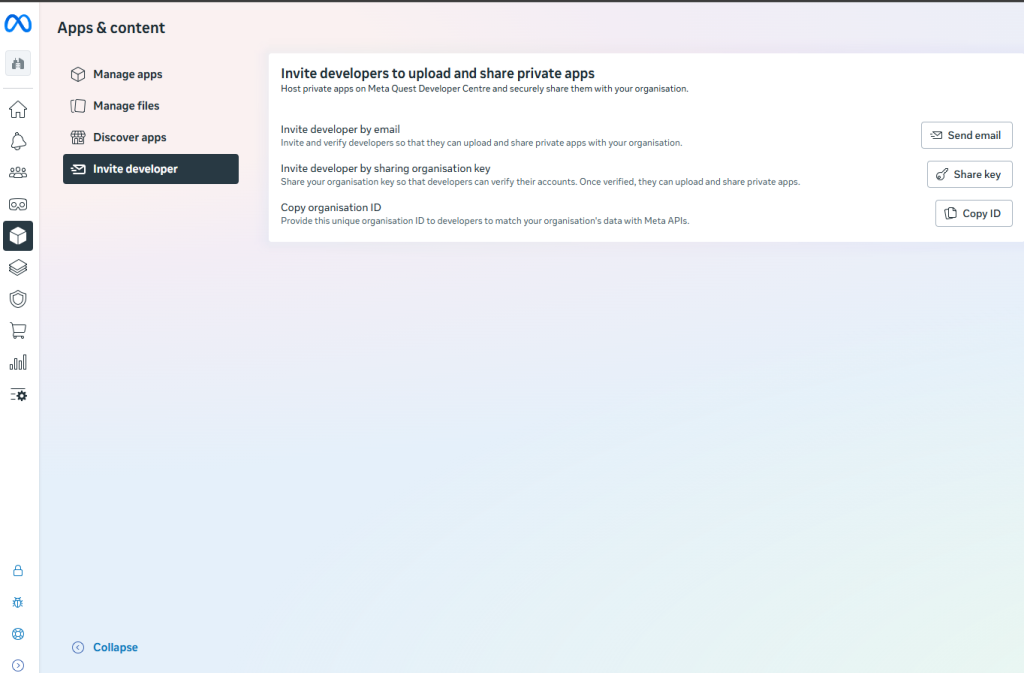
Install Vrex in your Meta Work Management Account
- Go to meta.work.com , and log in to your account
- Click Apps & Content
- Go to the “Invite Developer”
- Choose “send email”, and use CS@VREX.NO
This enables our team to share our Vrex apps so they will appear in your Work.Meta account.
You can then distribute this to the headsets you want in your organization.